Usage and Costs
Usage, tokens, and costs
Use token and estimated-cost signals to understand the operational impact of model evaluations.
EidoStack records token and estimated-cost information alongside completed chat requests so that a model choice can be evaluated on more than answer quality. Use the chat-level summary for a single experiment and Usage Metrics for trends across models, chats, and date ranges.
Read usage inside a chat
Select the usage button 
 in the prompt toolbar to open Usage Statistics for the current chat. It shows:
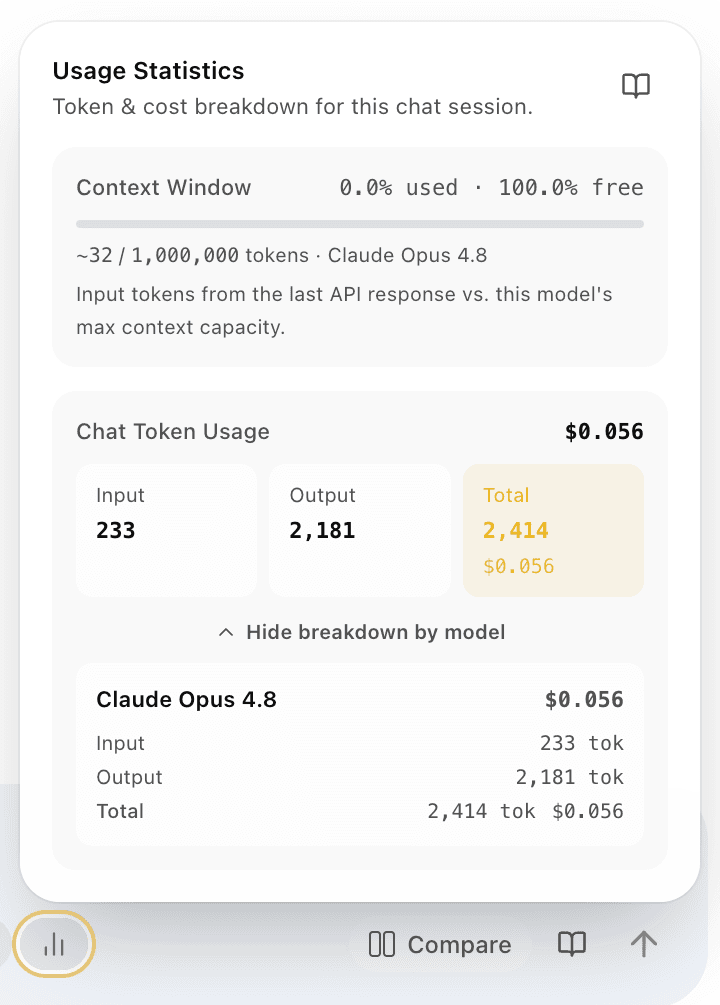
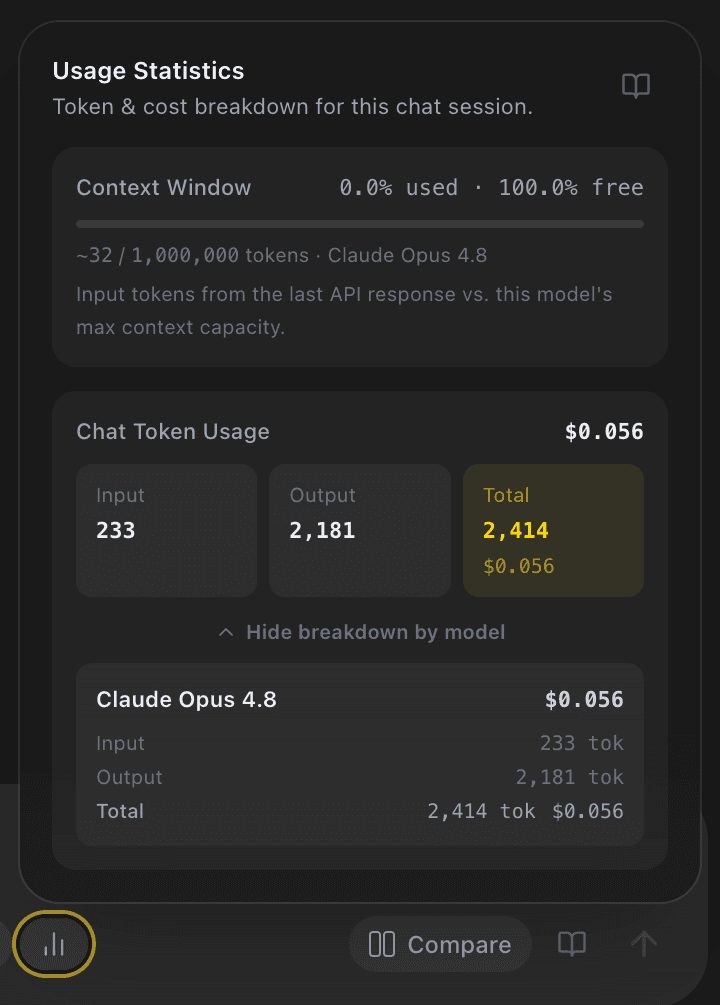
- The active model’s context-window capacity, including the percentage used and free.
- Input, output, and total token counts accumulated for the chat.
- The chat’s estimated total cost.
- A collapsible breakdown by model when the chat includes more than one model.
The context-window panel compares the last response’s input tokens with the selected model’s catalog context capacity. The totals aggregate the request records loaded for that chat. Use it to spot conversations becoming expensive or close to their context budget while you are still evaluating them.
Open workspace usage metrics
Select the usage icon 
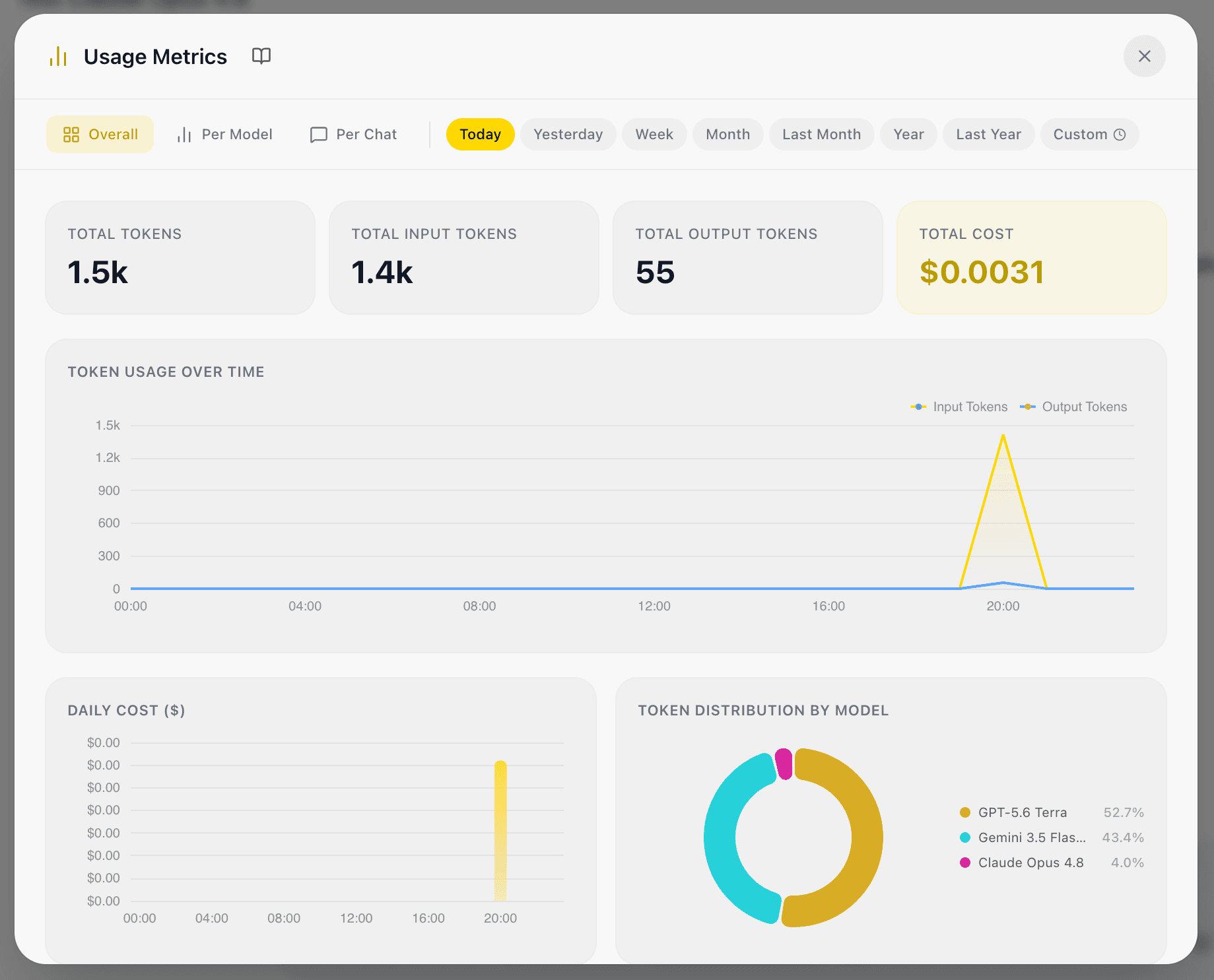
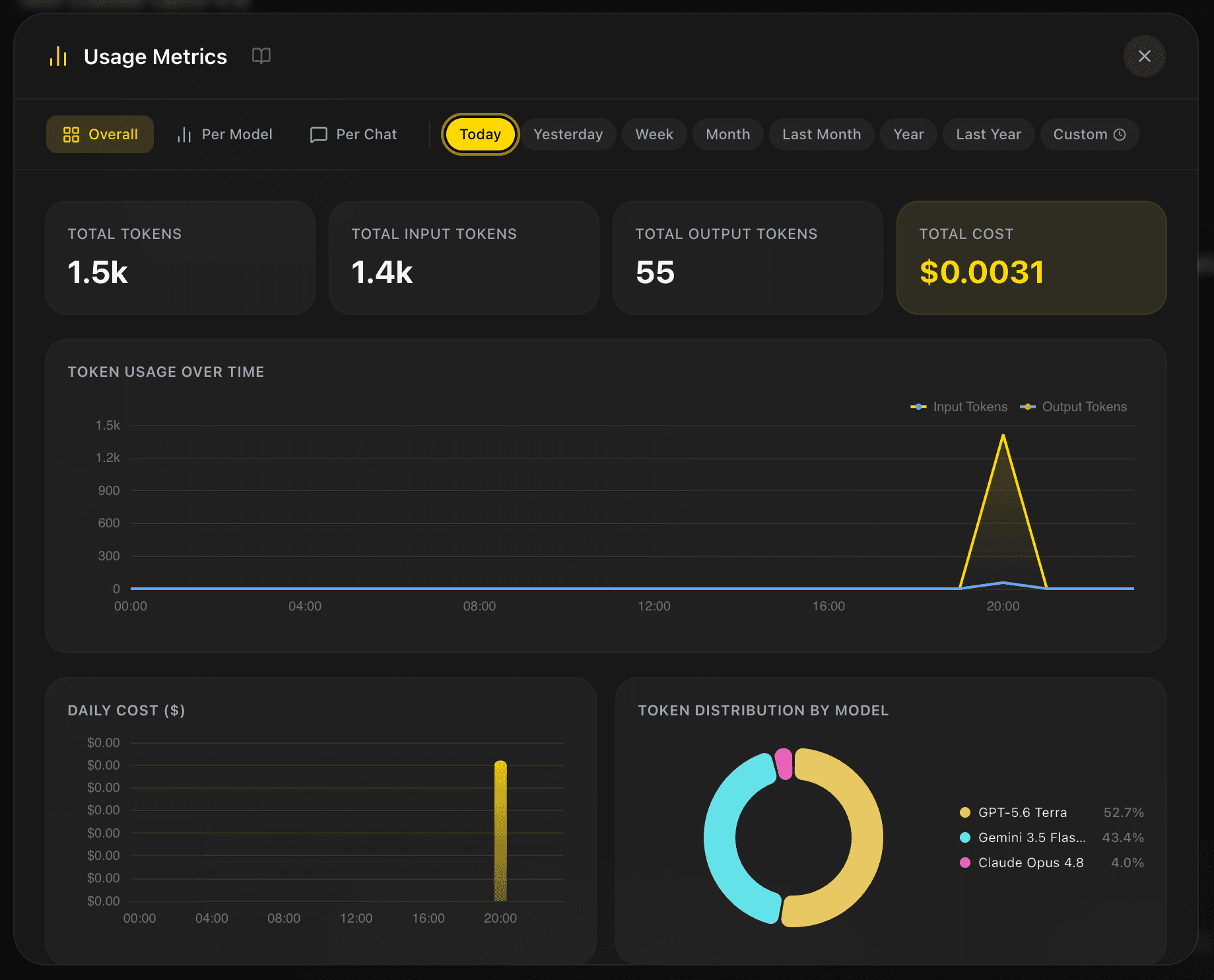
 in the workspace header to open Usage Metrics. The modal has three views:
| View | What it helps you inspect |
|---|---|
| Overall | Total tokens, input/output totals, estimated cost, token usage over time, daily cost, and token distribution by model. |
| Per Model | Input/output breakdowns, total tokens, estimated cost, and a table for each model used in the selected period. |
| Per Chat | Token and cost charts plus a table that identifies the chats contributing to usage. |
Empty states are expected when the selected period has no saved usage. They do not mean that your provider account has no activity outside EidoStack.
Filter the reporting period
Choose Today, Yesterday, Week, Month, Last Month, Year, Last Year, or Custom. A custom selection opens a calendar where you choose both start and end dates. The selected range applies to the active view, so you can move between Overall, Per Model, and Per Chat without redefining the period.


Use a short range when reviewing a recent prompt or rollout, and use a wider range when comparing the operational profile of a model across several evaluation chats. The views load on demand and can be reopened to refresh the data.
Interpret cost responsibly
Cost figures are estimates calculated from EidoStack’s catalog pricing and the token counts returned or calculated for the request. They are useful for comparing candidates under the same workload, but provider invoices and provider dashboards remain authoritative. Differences can arise from provider pricing changes, request details, or provider-side billing rules.
Cost is only one dimension of a decision. A cheaper model that misses a non-negotiable requirement is not the better fit, and a high-quality model may be unsuitable if its context or cost profile does not fit the expected volume. Use the metrics together with the response rubric described in Evaluate a model.