Getting Started
Introduction to EidoStack
Understand the EidoStack workspace and the evidence-first loop for evaluating AI models before production.
EidoStack helps AI engineers evaluate, compare, and select the right AI models before production. It gives you a professional workspace for running the prompts your application actually needs, inspecting the resulting answers, and weighing the operational trade-offs behind a model choice.
This page explains the evaluation loop and the capabilities available in EidoStack today. It is an orientation page: follow the linked guides when you are ready to configure a provider or run your first experiment.
What EidoStack is
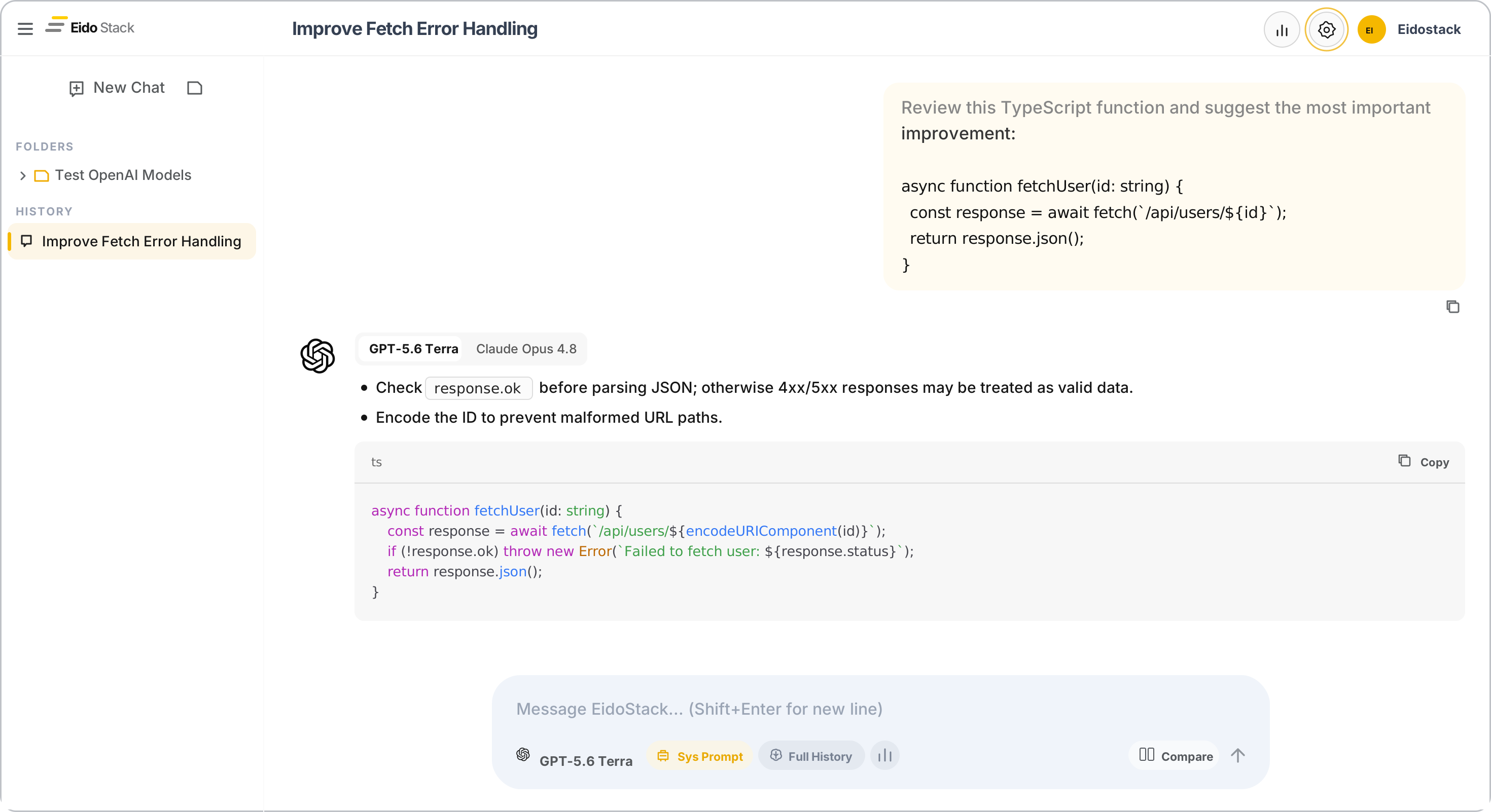
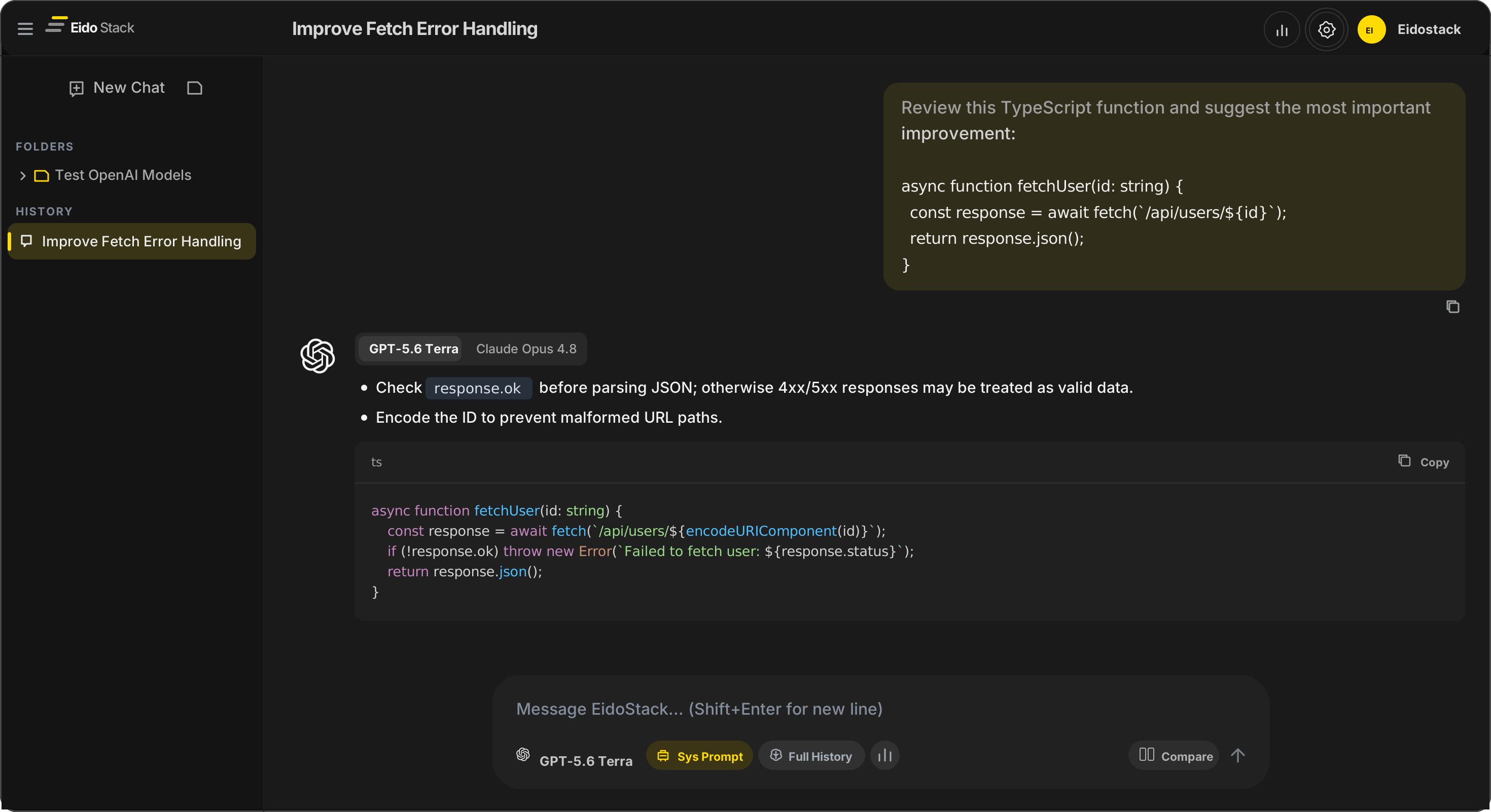
EidoStack is an AI model evaluation workspace for testing existing models against your prompts, system instructions, and conversation-context strategy. Rather than choosing a model from a benchmark or a single impressive demo, you can run the same task through candidate models and review their responses in the conditions that matter to your product.
An evaluation is evidence for a decision. You set the task and the constraints, inspect whether each response is useful, correct, complete, appropriately formatted, or safe enough for the workload, then consider the token, cost, and context implications. EidoStack keeps those signals close to the conversation so that a production choice rests on your own requirements rather than assumptions about a general-purpose “best” model.
Who EidoStack is for
It is particularly useful when a choice depends on more than a benchmark: the task’s instructions, the context your application sends, the quality of the response, and the token and cost budget. Use it to assess a first production candidate, a provider or model change, or a revised prompt before that change reaches users.
The workspace is most valuable when the task is specific: for example, reviewing code, extracting structured information, answering from a long conversation, or following a product’s tone and rules. Bring representative prompts and the context your application would send; EidoStack helps you see how the available models behave for that work.
What you can do with EidoStack
The current application supports a focused, chat-based evaluation workflow:
- Test prompts with models from connected OpenAI, Anthropic, and Google AI accounts.
- Enable comparison mode to send the same prompt to two selected models and read their responses side by side.
- Set a chat-level system prompt and, during a comparison, test a separate instruction for each model.
- Choose how conversation history is supplied: full history, a recent-message window, or semantic memory that retrieves a relevant subset of earlier context.
- Inspect context-window capacity and token usage, including input and output tokens, estimated provider cost, and per-model breakdowns for a chat.
- Review broader usage by time range, model, or chat; organize the conversations that make up an evaluation in chats and folders.
EidoStack makes output quality visible, but it does not produce a universal quality score for you. Assess each response against the criteria that matter for the workload—such as instruction following, factual accuracy, formatting, and failure behavior—then use the workspace signals to understand the cost and context trade-offs behind that assessment.
A typical evaluation workflow
Start by defining the production decision. Choose a small set of representative prompts and note what a successful answer must do. Add edge cases and known failure cases when they are important; a model that looks strong on the common path may still be unsuitable if it misses a requirement your application cannot compromise on.
Then keep the experiment controlled. Select a model, system prompt, and context strategy, and use comparison mode to run the same prompt against a second model. If you are testing a prompt or context change, change one meaningful variable at a time so you can explain why the result changed. Compare the answers side by side, then check the associated token counts, estimated cost, and context-window use before recording your choice.
Repeat that loop across your representative tasks. The goal is not to identify a universal winner; it is to select a model that fits the behavior, context, and operating constraints of your production workload. See Evaluate a model for a more structured way to run that loop and Compare model responses for the comparison workflow.
API key security and privacy
EidoStack uses your own provider accounts. Provider API keys are encrypted in an account-scoped browser vault with a key derived from your vault password; the password itself does not leave the browser. The encrypted key record is stored in browser storage, while decrypted keys are available in browser memory only after you unlock the vault. EidoStack does not store that encrypted provider-key record in its application database.
When you run a chat, the browser sends the prompt, selected system instruction, and chosen conversation context directly to the AI provider you selected, using your provider credential. That lets the provider charge usage to your account and keeps the key out of the EidoStack application server. It also means the selected provider receives the request content, so use data only when you are authorized to share it and review the provider’s own terms and privacy policy.
Chats, prompts, responses, folders, model selections, and usage records are workspace data that EidoStack stores so you can revisit and organize evaluations. For the full explanation of the local vault and its backup limitations, read API key vault; for account-level data choices, read Manage your data and delete your account.
What EidoStack does not do
EidoStack does not train, fine-tune, or improve AI models. It does not alter a provider’s model weights or turn your prompts and responses into a new model. Its role is to help you test how existing models perform for your specific instructions, context, and application requirements before you decide what to use in production.
It also does not replace a task-specific evaluation rubric or your production safeguards. Use the side-by-side responses and usage signals to support an engineering decision, then apply the validation, monitoring, and release process appropriate to your application.
Next steps
To begin, create your account, complete workspace setup, and configure your first AI provider. Then start your first chat and run the same prompt through two candidate models.
When you are ready to refine the experiment, explore System prompts, Context memory, and Usage, tokens, and costs. Those pages explain the individual controls that this introduction has placed in the wider evaluation workflow.