Account and Billing · Subscription
Plans, limits, and billing
Understand Free and Pro access, product limits, provider charges, and subscription changes.
EidoStack plans control workspace access and limits. They do not include AI-provider usage: OpenAI, Anthropic, and Google AI charge requests made with your own API keys separately.
Compare the available access levels
| Access level | Providers | Chats and messages | Comparison |
|---|---|---|---|
| Free | One configured provider | Up to 5 chats and 50 messages per chat | Not available |
| Pro | Unlimited configured providers | Unlimited chats and messages | Available |
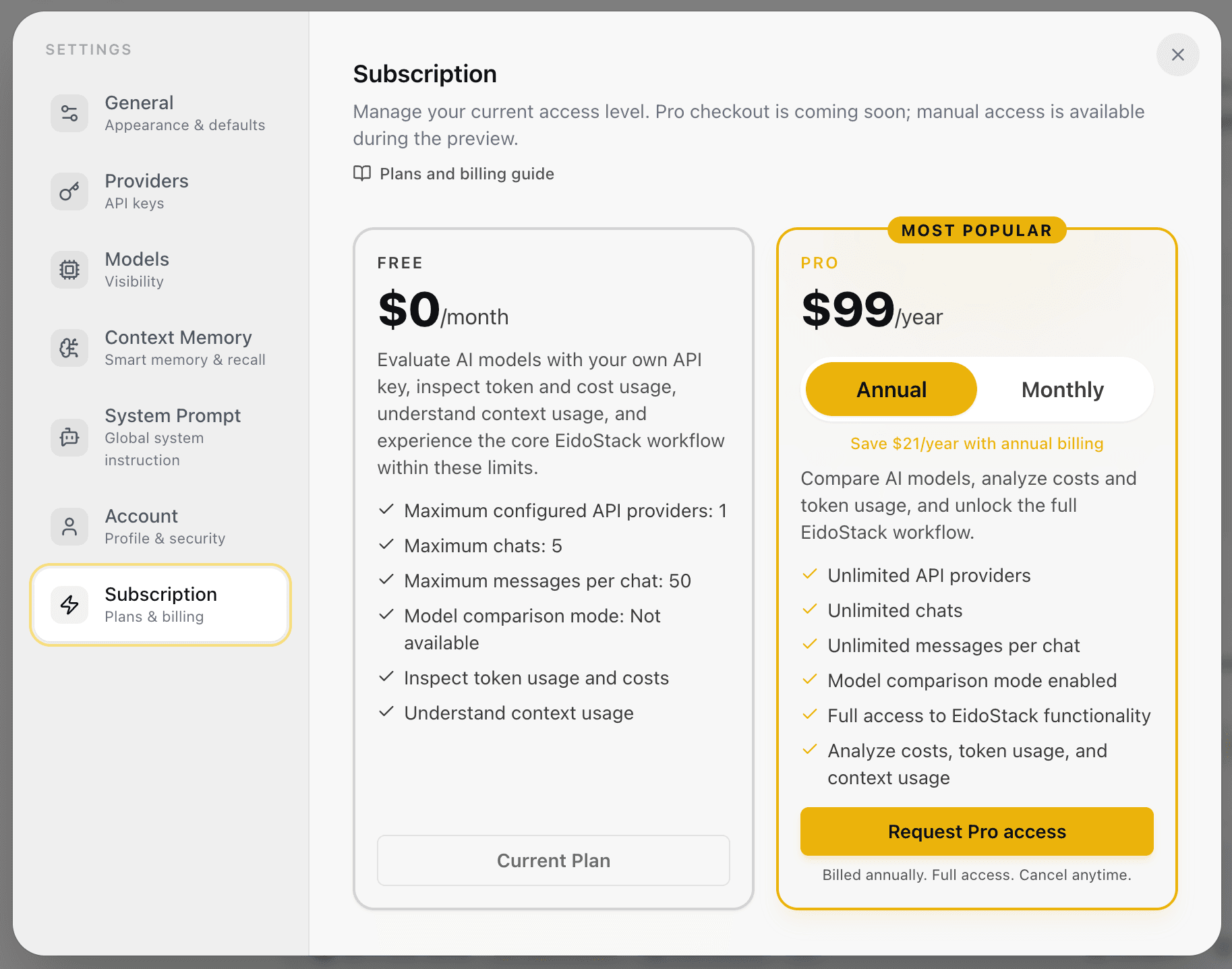
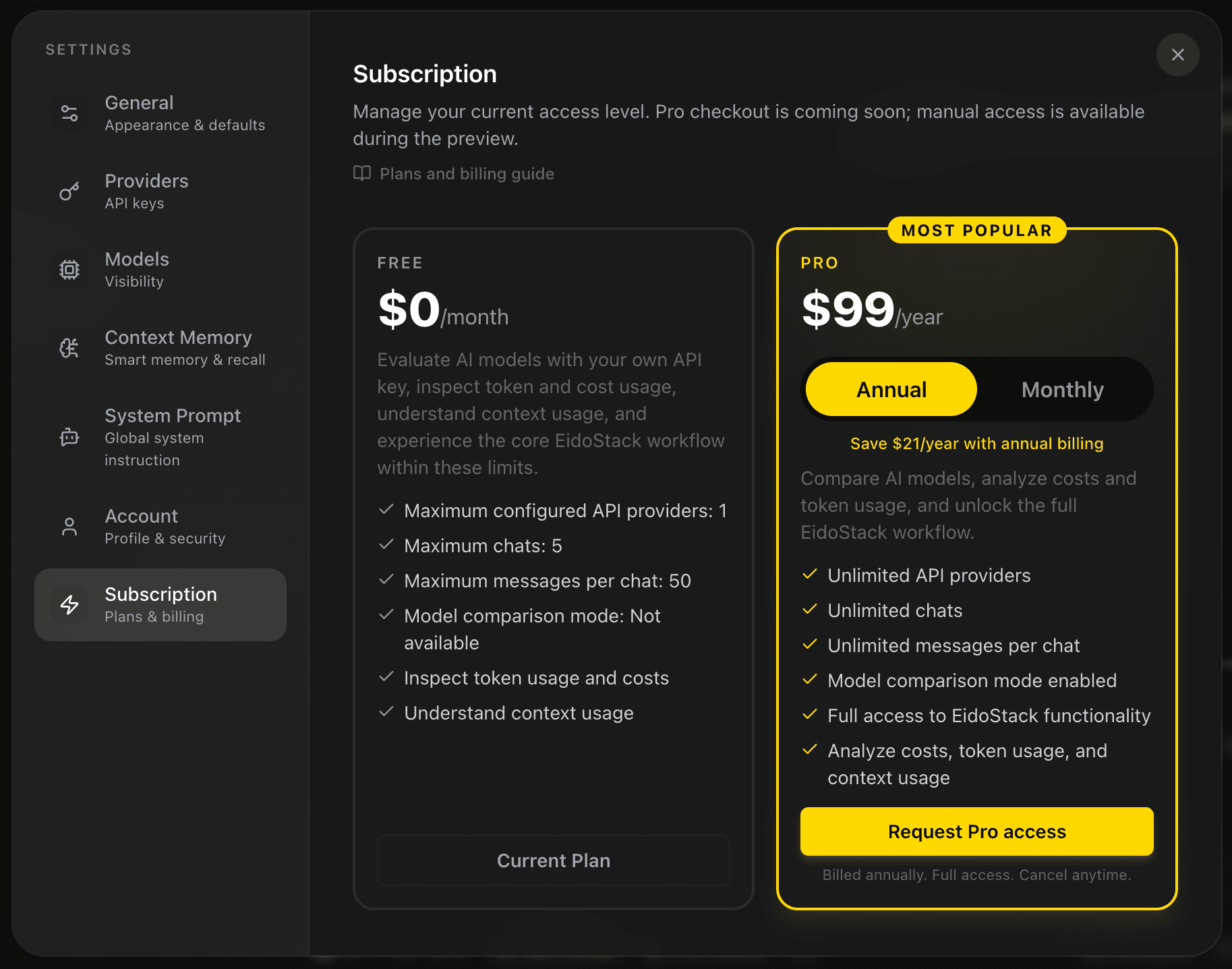
All plans can inspect token usage, estimated costs, and context usage. Free access is designed to let you run the core bring-your-own-key evaluation workflow within the stated limits; it does not provide provider credits or remove provider charges.
View the current subscription
Open workspace settings and select Subscription. The page shows the active plan and its current status. A Pro account shows its billing period, current price, next renewal or access-end date, and the included features.
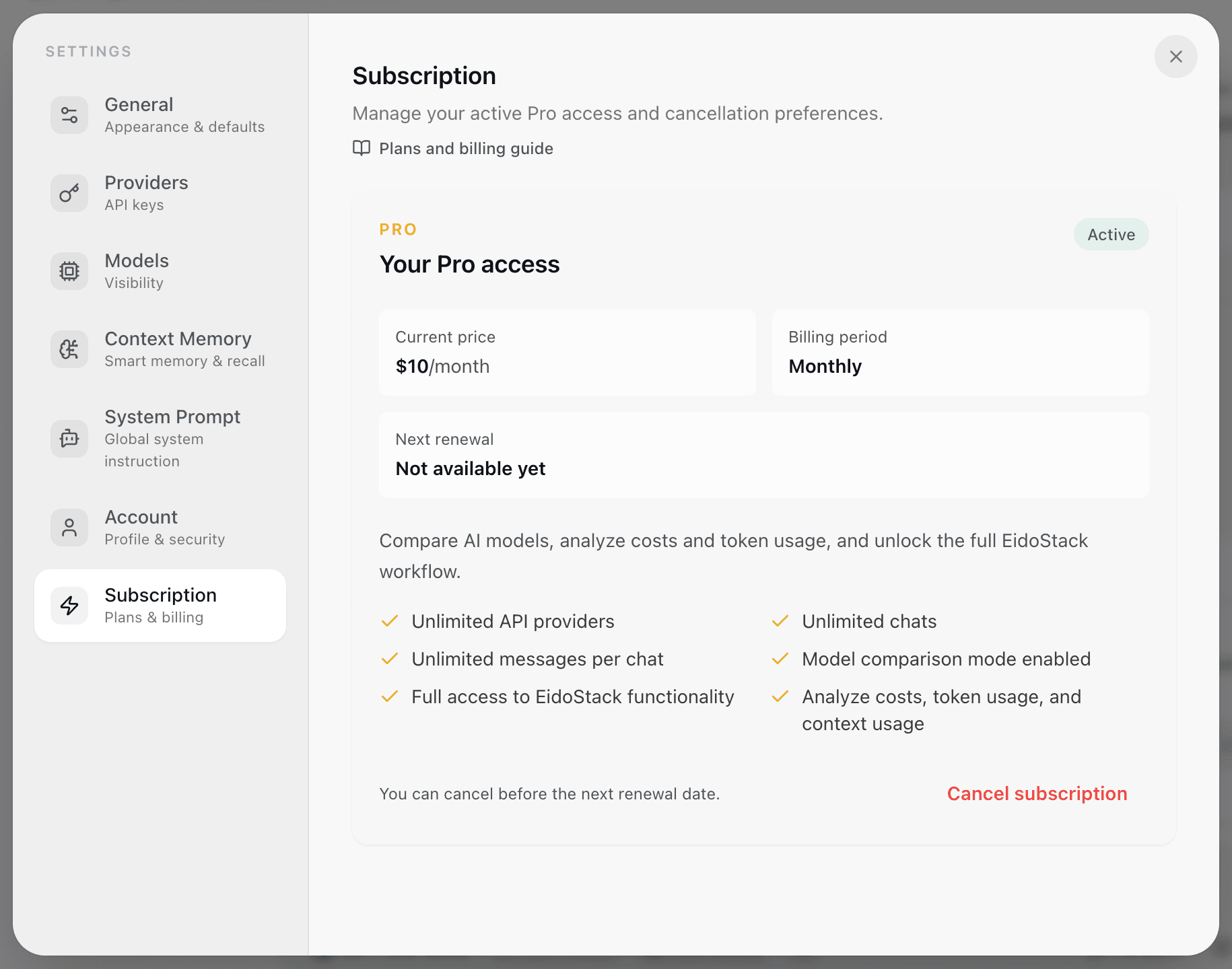
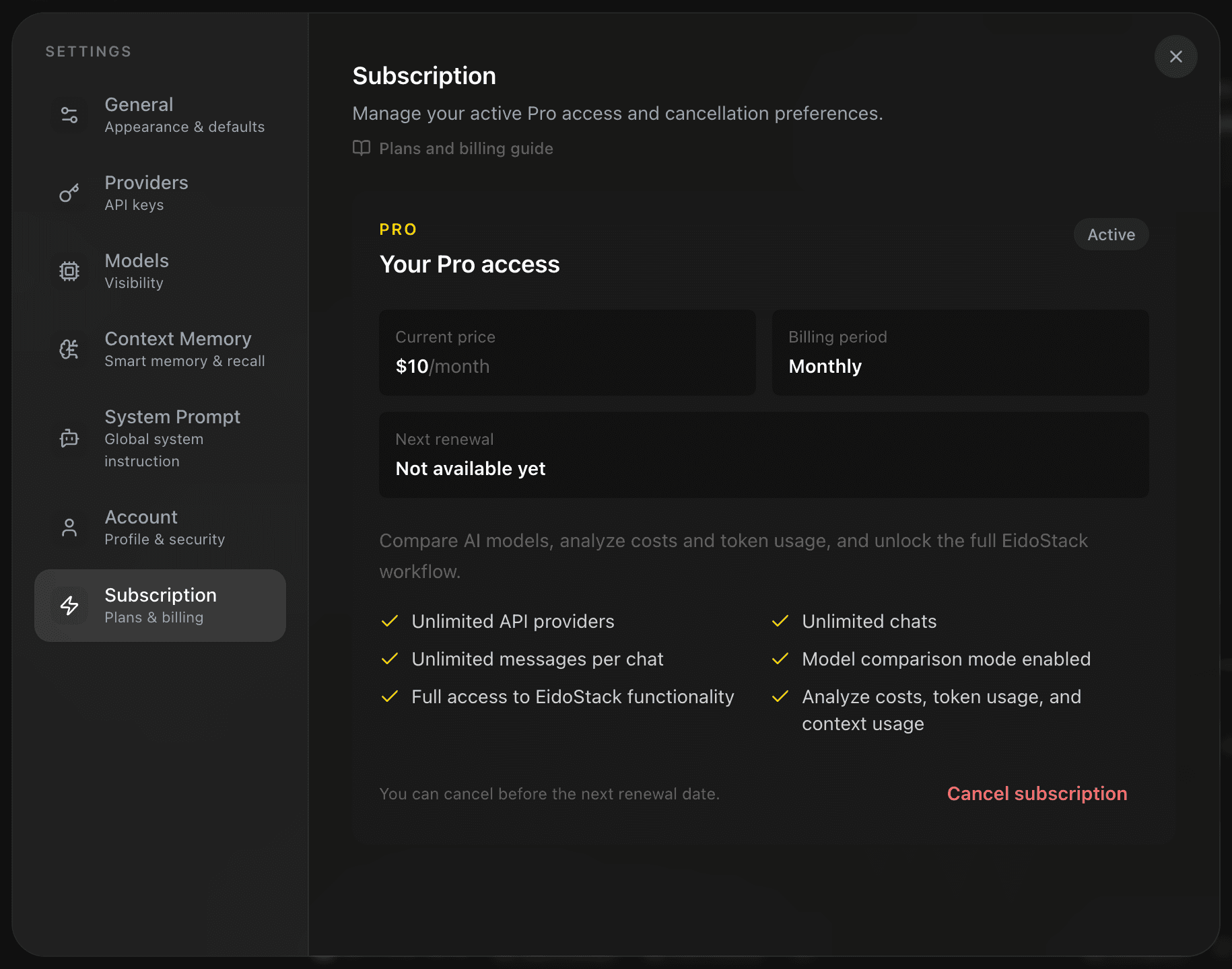
The product currently displays Pro pricing as $10 per month or $99 per year, but checkout is not enabled in the application. When you are on Free, Request Pro access explains that preview access is handled through support rather than by an in-app purchase flow.
Provider billing remains separate. Connecting a second provider or sending a request can incur charges from that provider even if your EidoStack plan is Free or Pro.
What happens at a limit
EidoStack checks limits when you configure providers, create chats, save messages, or enable comparison. If a Free limit is reached, the workspace explains the restriction and directs you to the subscription area. Existing chats and saved messages remain available; the limit blocks the next action that would exceed it.


For example, a Free account cannot save a second configured provider, create a sixth chat, add the 51st user message to a chat, or run comparison mode. Reduce the relevant usage only where the product provides that action, or request higher access through the subscription path.
Cancel active Pro access
An active Pro subscription can show Cancel subscription in the subscription panel. The confirmation dialog explains the period-end date before you confirm. When cancellation is accepted, Pro features remain active until the current billing period ends; the account then returns to Free limits.
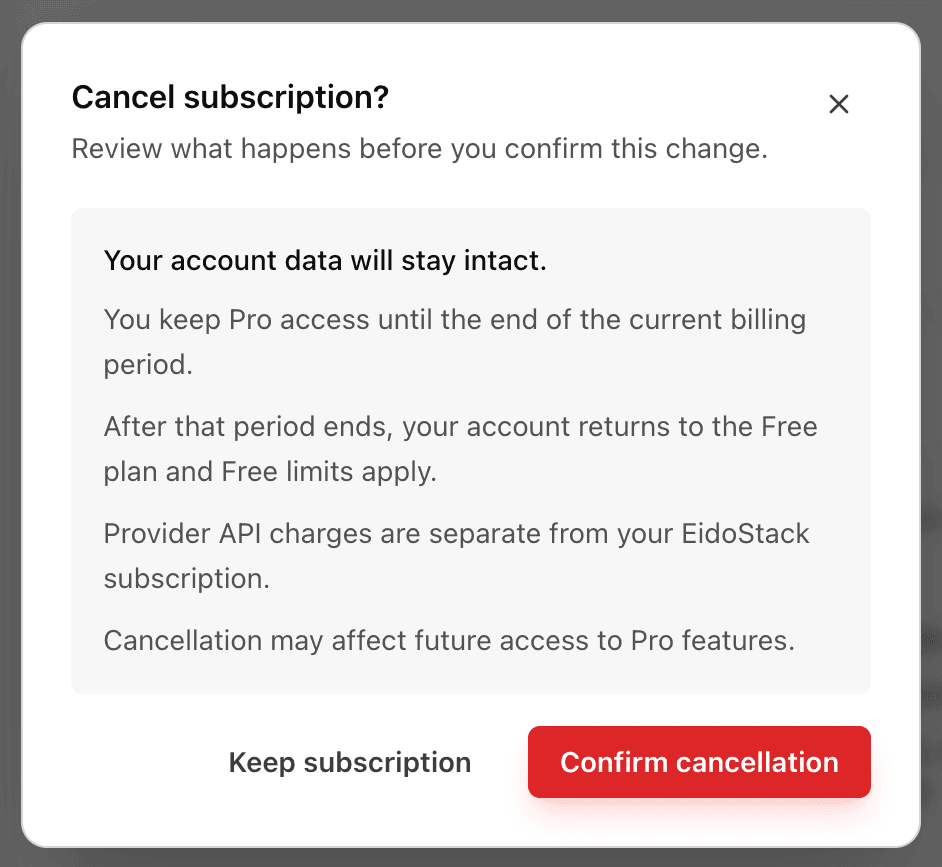
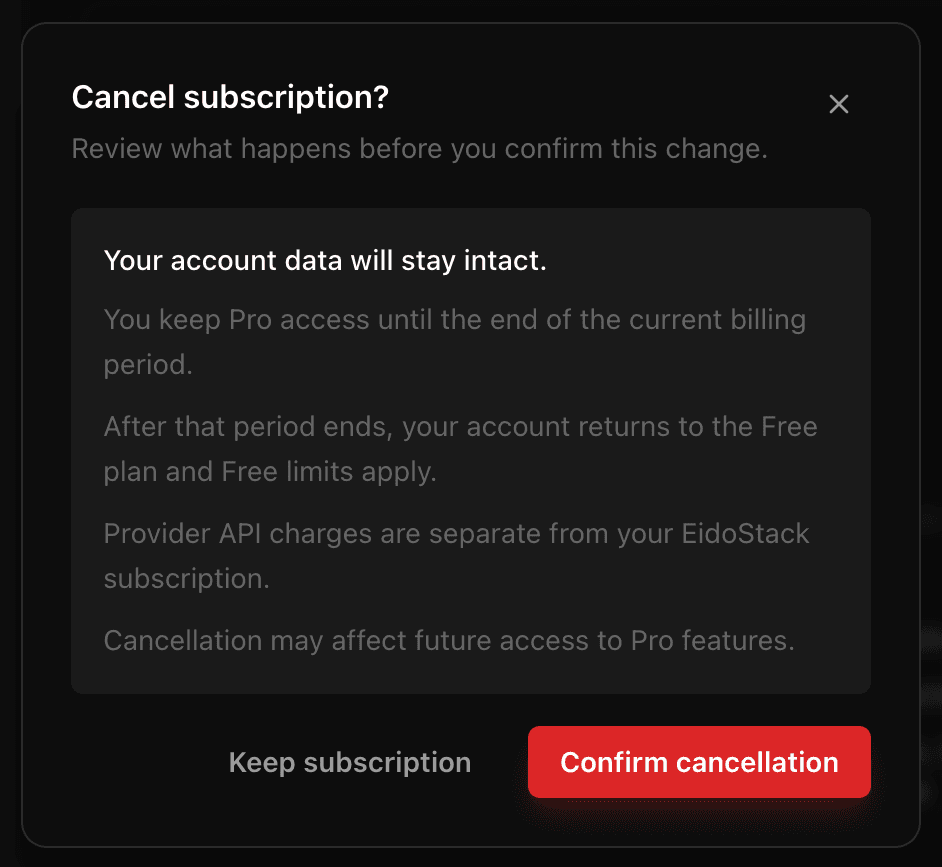
The cancellation button is shown only when the subscription can be cancelled through the current account flow. If cancellation is not configured for a particular subscription source, use the support path shown in the product rather than assuming the provider billing method has been cancelled.
Cancellation does not delete workspace data, revoke provider API keys, close provider accounts, or stop provider charges. Manage those separately. For help with account or access issues, see Contact support.