Models and Providers
Supported providers and models
See the provider families available in EidoStack and how the model catalog is organized.
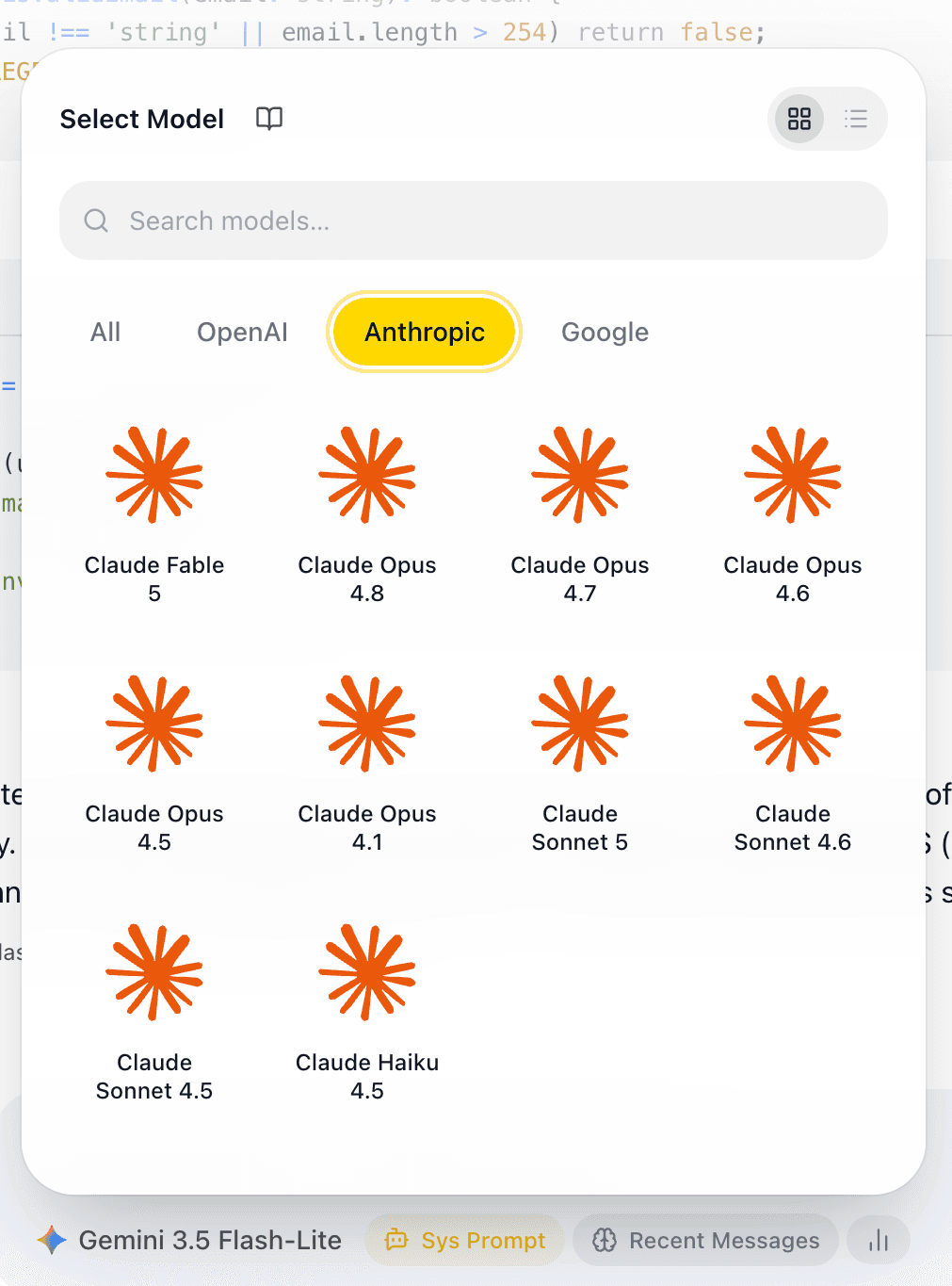
EidoStack currently connects directly to three provider families through your own API credentials: OpenAI, Anthropic, and Google AI. The model catalog groups each provider’s available GPT, Claude, and Gemini models in one selector, so you can test candidates with the same chat workflow.
Supported provider families
| Provider connection | Model family shown in EidoStack | What you need |
|---|---|---|
| OpenAI | GPT models | An OpenAI API key saved in the unlocked vault. |
| Anthropic | Claude models | An Anthropic API key saved in the unlocked vault. |
| Google AI | Gemini models | A Google AI API key saved in the unlocked vault. |
The provider connection determines which credential is used when a model is selected. It does not change your EidoStack sign-in method: Continue with Google and Continue with GitHub authenticate your EidoStack account, while the Google AI provider entry supplies access to Gemini models.
Use the catalog as the current source of available models
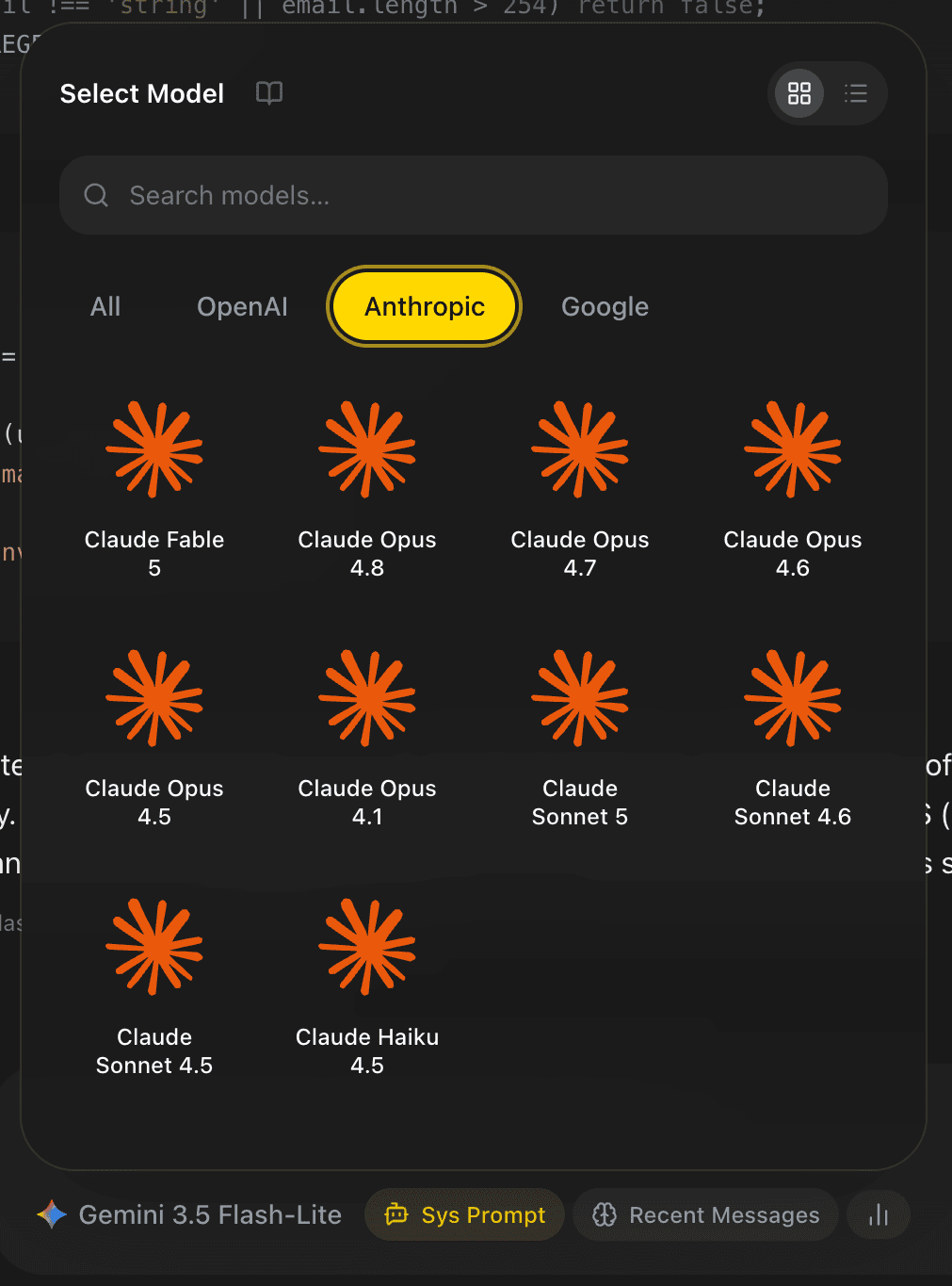
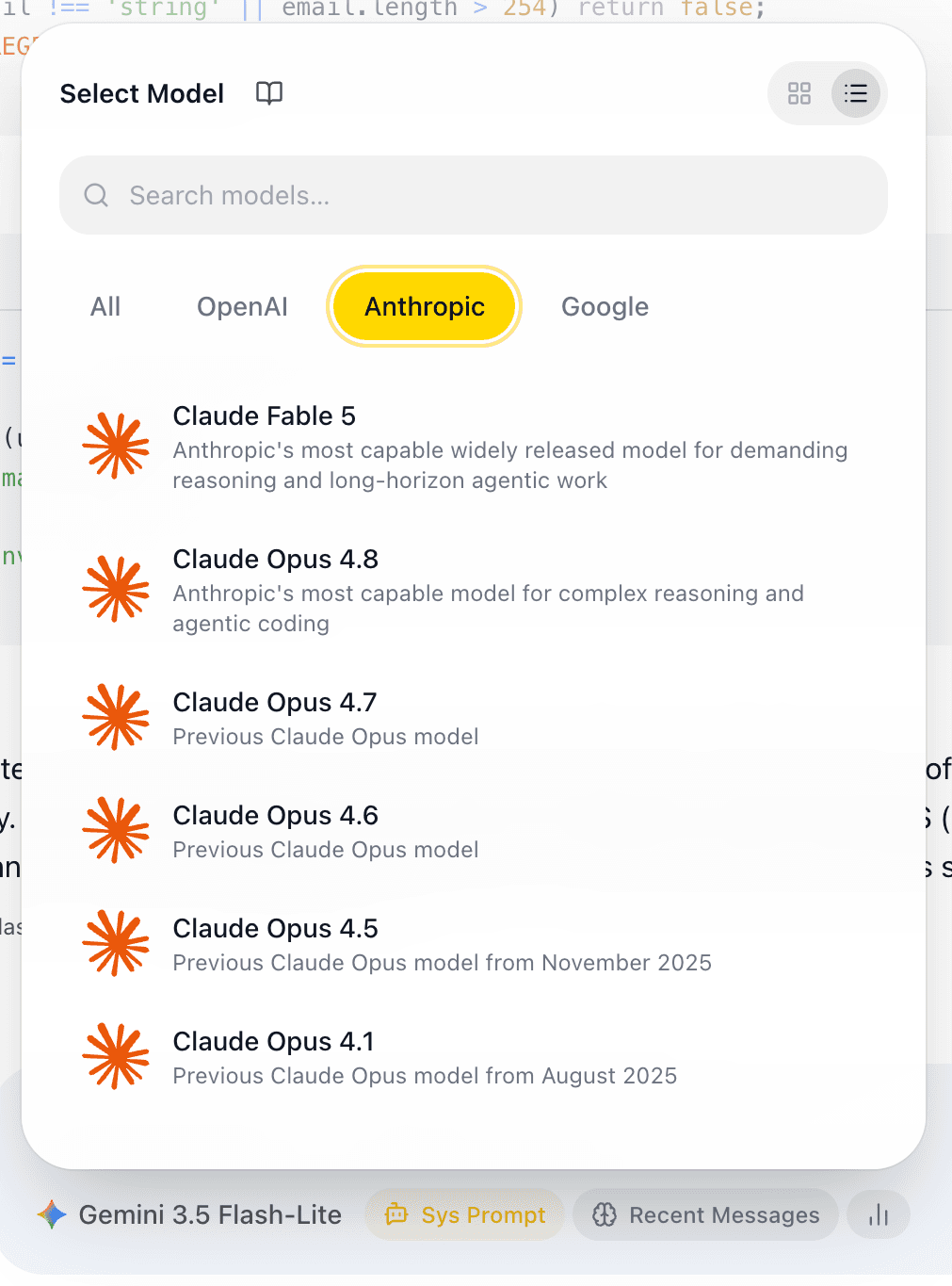
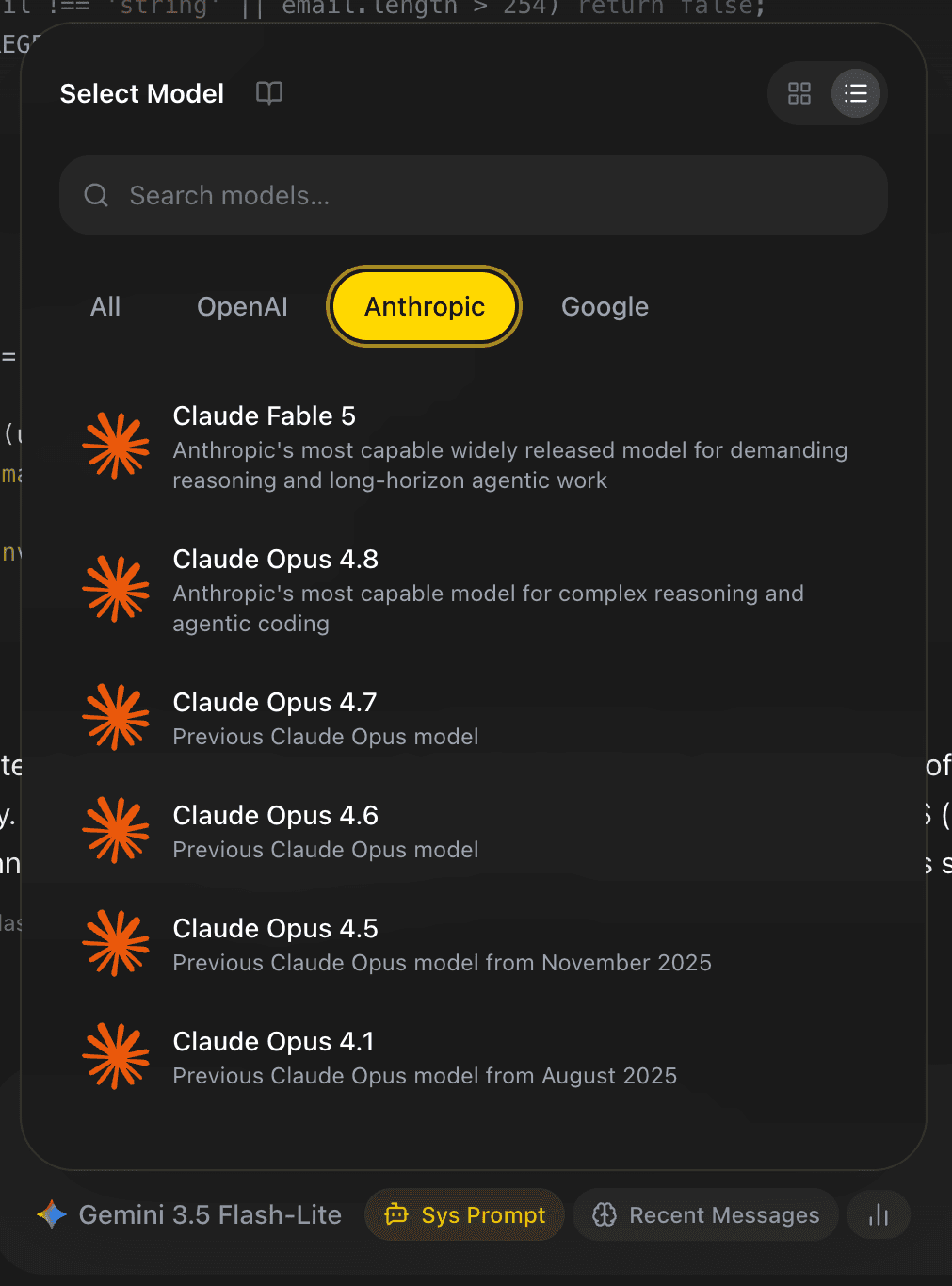
Open the model control in a chat to see the catalog that is currently shipped with your EidoStack workspace. The selector supports text search, provider filters, and grid or list views. Each model entry has a name and short description; the list view also makes it easier to review several candidates before selecting one.
  |   |
|---|
The catalog is intentionally the source of truth for model availability. Provider model names, prices, and retirement dates can change, so this guide does not maintain a static list of individual model IDs. If a catalog model is marked deprecated, EidoStack displays a warning and its planned shutdown date in a tooltip. Prefer a non-deprecated candidate for new evaluations.
Requirements before a model can answer
A visible model is not automatically ready to use. Before a request can run, all of the following must be true:
- The model is enabled in Settings > Models.
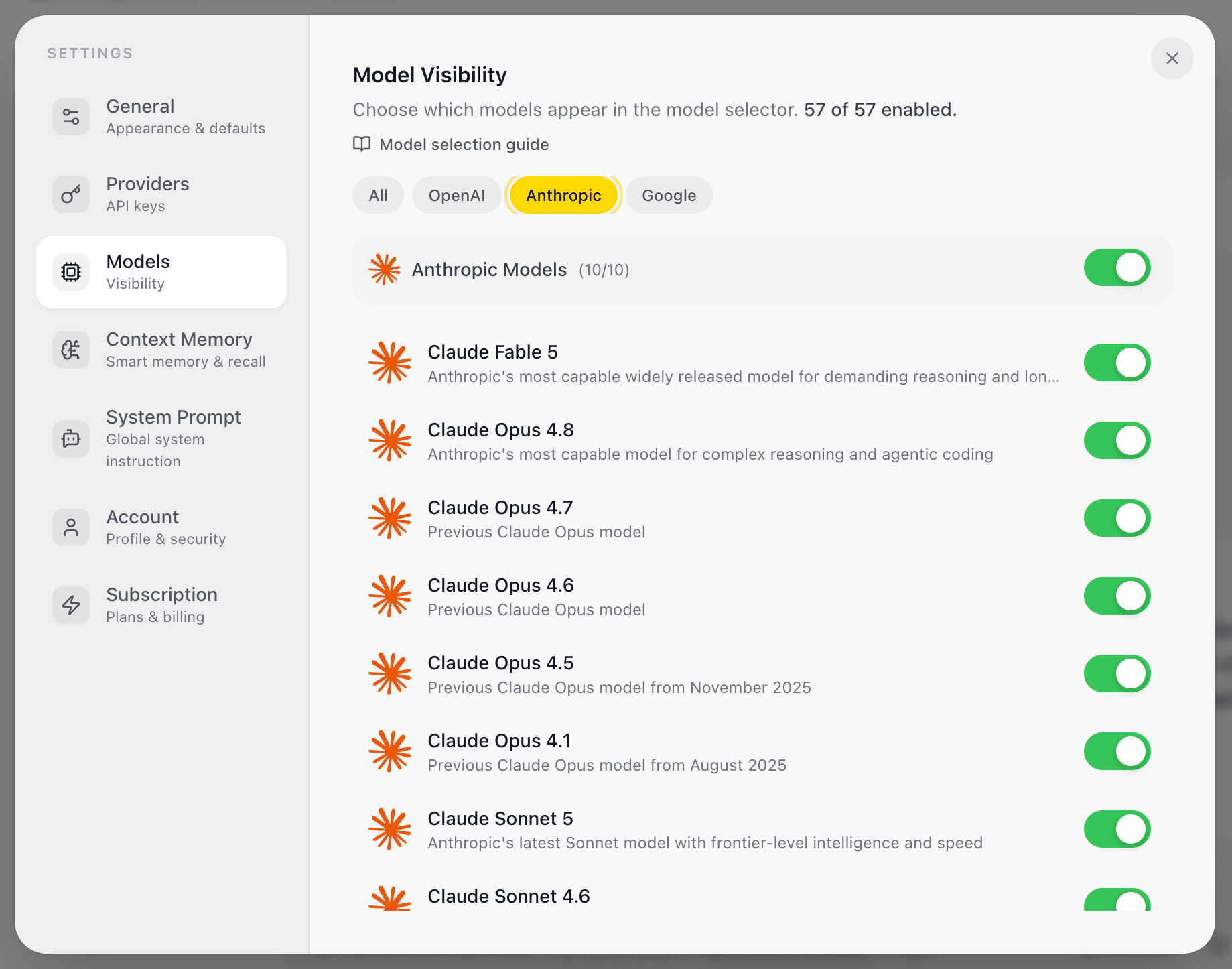
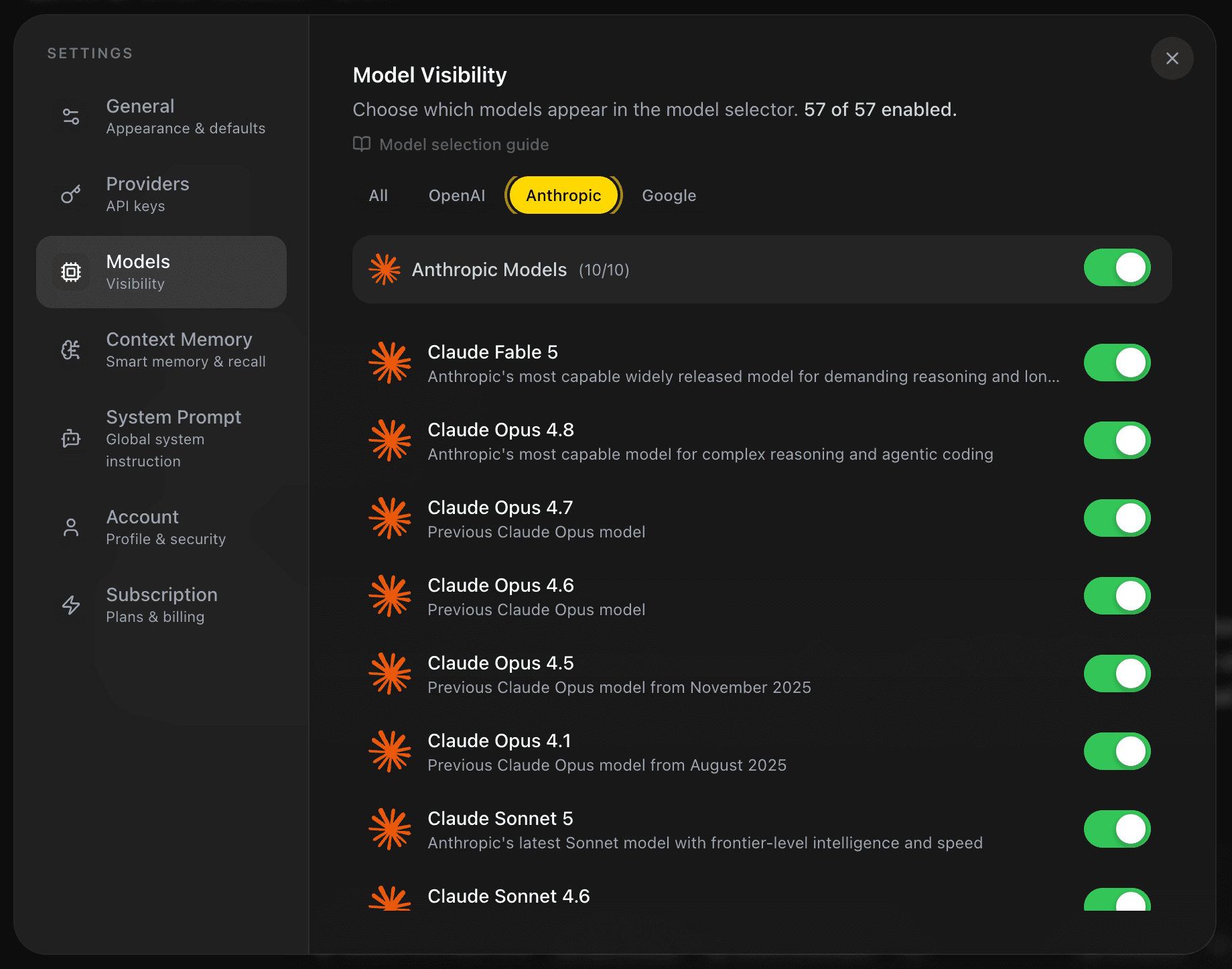
- Its provider has a key saved in the unlocked local vault.
- The provider account can use that model and has sufficient quota.
- Your EidoStack plan allows the configured-provider and comparison workflow you are attempting.
If the selected model has no matching provider key, EidoStack shows a warning in the chat with an Open Provider Settings action. It does not silently send the prompt to another provider or model.
Provider billing and model behavior
EidoStack sends requests using your provider credentials. Token use and any provider charges therefore belong to your OpenAI, Anthropic, or Google AI account. The workspace displays token counts and estimated model cost to help compare operating trade-offs, but the provider’s billing records remain authoritative.
Models can differ in output quality, available context, cost, refusal behavior, and supported provider access. Test the prompts and context your application really uses rather than assuming that one family is universally better. Start with Configure your first AI provider, then follow Evaluate a model for a controlled selection process.