Security and Data
API key vault
Understand how EidoStack keeps provider key handling close to the browser and how to work safely with encrypted vault records.
EidoStack’s API key vault keeps provider credentials close to the browser that uses them. You create a master password, the browser derives encryption material from that password and an account-specific salt, and the encrypted provider-key record is stored locally for that account. The master password itself does not leave the browser.
What the vault protects
The vault stores the API keys used for the supported OpenAI, Anthropic, and Google AI connections. When it is unlocked, EidoStack decrypts the keys in browser memory so the chat workspace can make requests to the selected provider. When it is locked, provider-key fields are disabled and model requests cannot use the stored keys.
The encrypted key record is stored in browser storage and scoped to the signed-in account email. It is not stored as a provider-key value in the EidoStack application database. EidoStack records which provider families are configured for entitlement checks, but that record is not the API key.
Create and use the vault safely
- Open Settings > Providers.
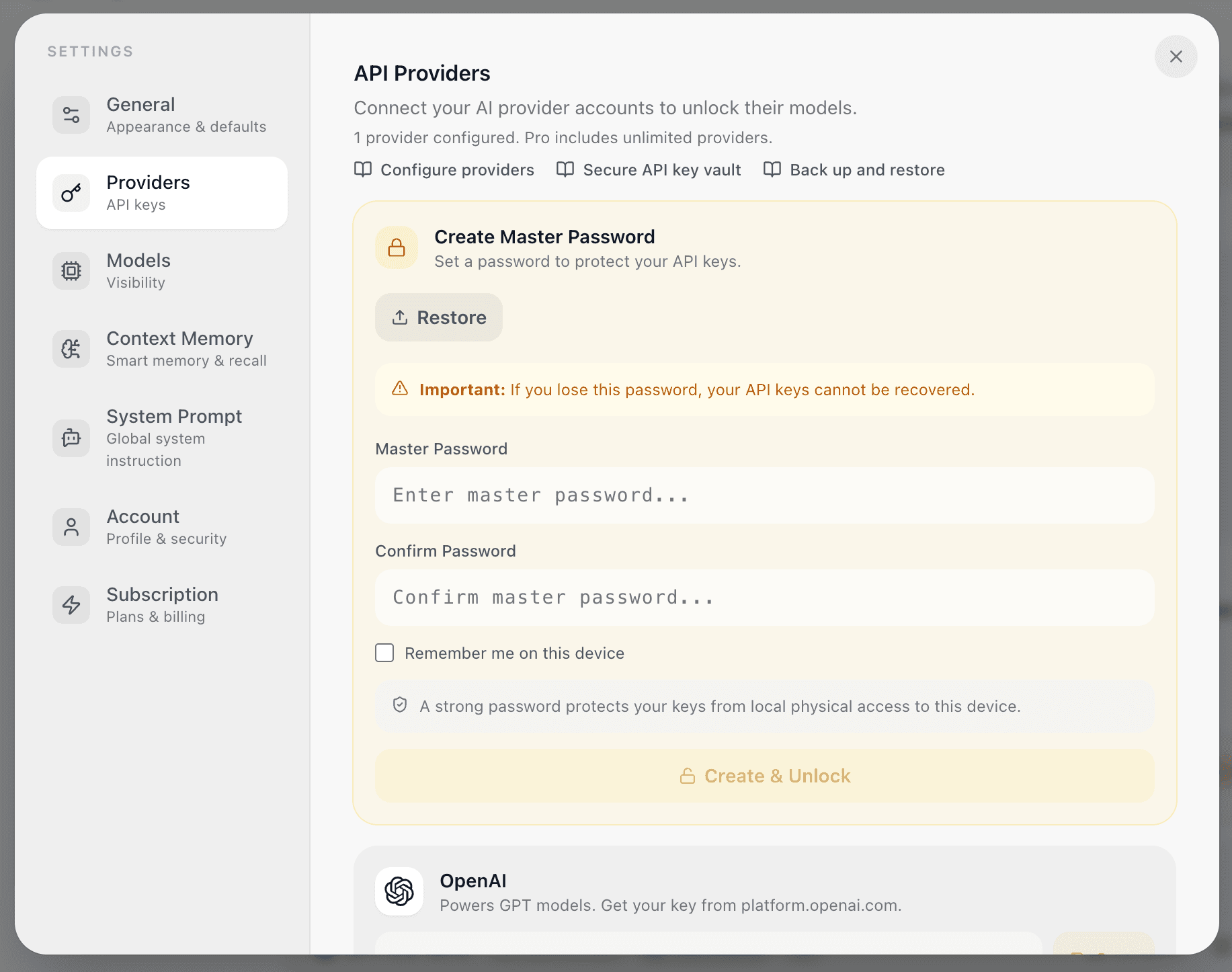
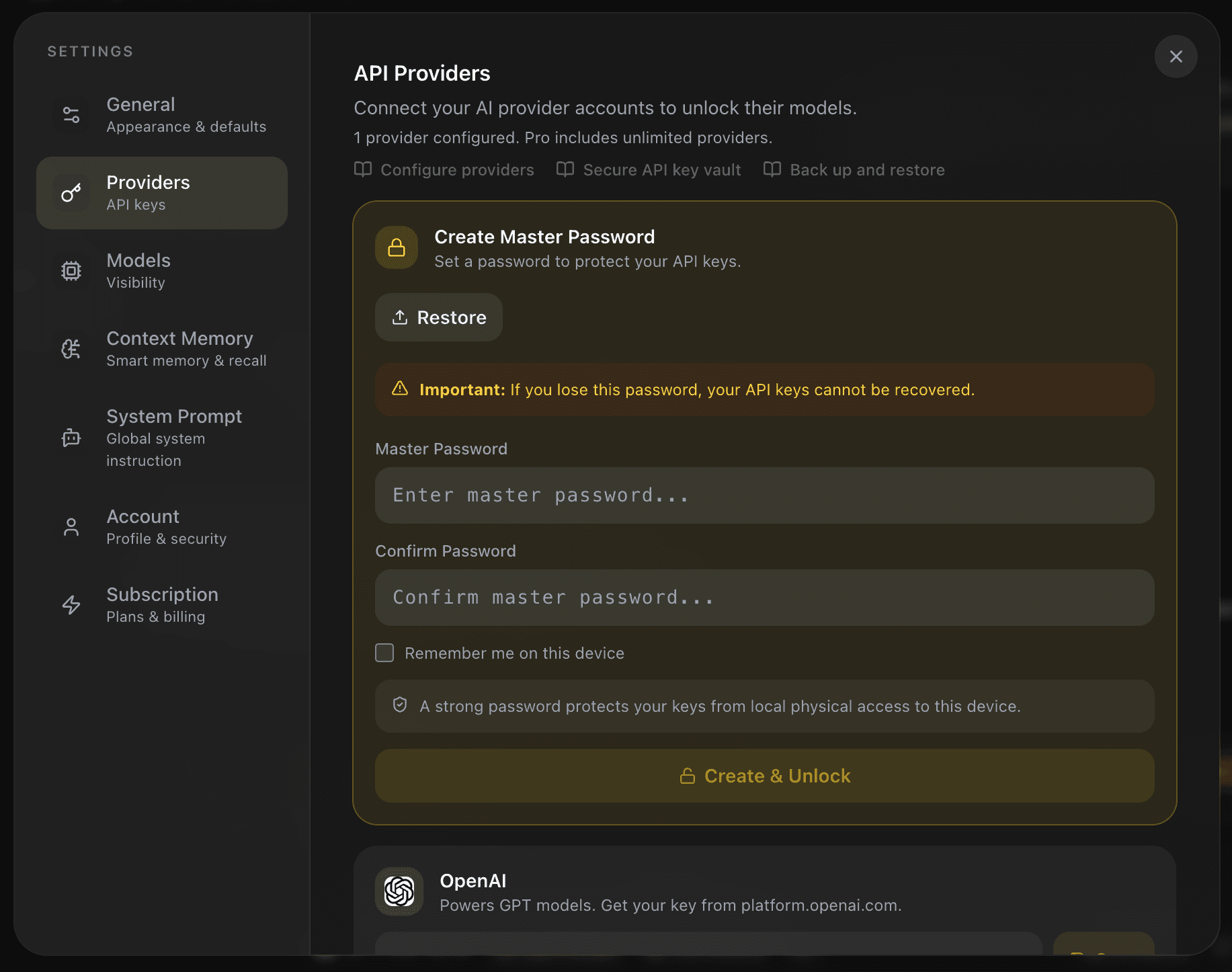
- In Create Master Password, enter a password that is at least eight characters long and meets the on-screen strength requirement.
- Confirm the password and select Create & Unlock.
- Save a provider key only while the vault reports Vault Unlocked.
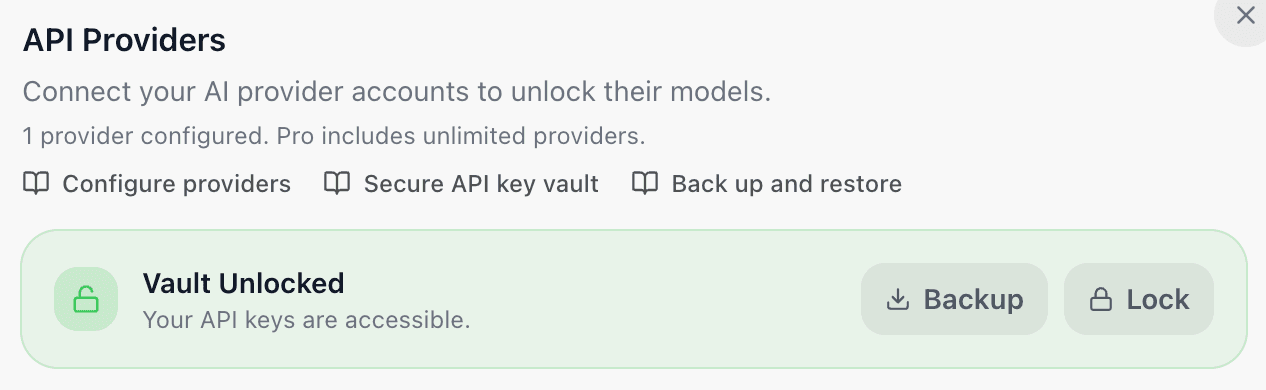
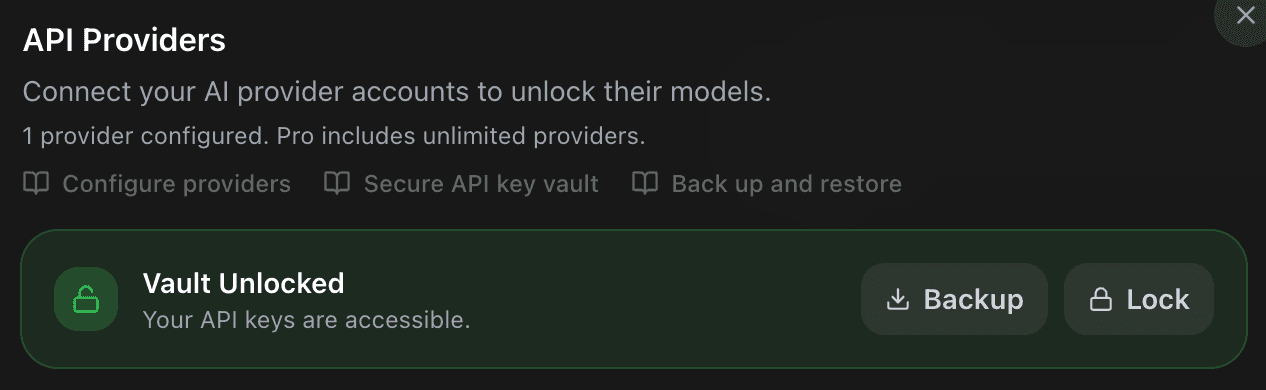
- Select Lock when you are finished on a shared or temporary device.
The master password is independent of your EidoStack account password. Password recovery for the EidoStack account cannot decrypt a vault, and EidoStack cannot recover a forgotten master password. Create a vault backup after adding keys if you need a recovery option.
Decide whether to use Remember me
The Remember me on this device option allows the browser to retain the material needed to reopen the vault on that device. It is convenient for a personal, protected device, but it reduces the protection gained from requiring a password every time.
Leave it unchecked on a shared computer, a public device, or any browser profile that another person can access. Locking the vault clears the remembered-unlock material for that account in the browser and requires the master password again.
Understand what leaves the browser
When you send a chat, the browser uses the appropriate unlocked key to send the prompt, selected instruction, and chosen conversation context to the selected AI provider. The provider can therefore process that content and charge the provider account. Review the provider’s own terms and use only data you are authorized to send.
EidoStack stores workspace content such as chats, messages, folders, and usage records so that evaluations can be revisited. The local vault is intentionally separate from that workspace data. See Manage your data and delete your account for the distinction.
Recover from a lost or suspected-compromised vault
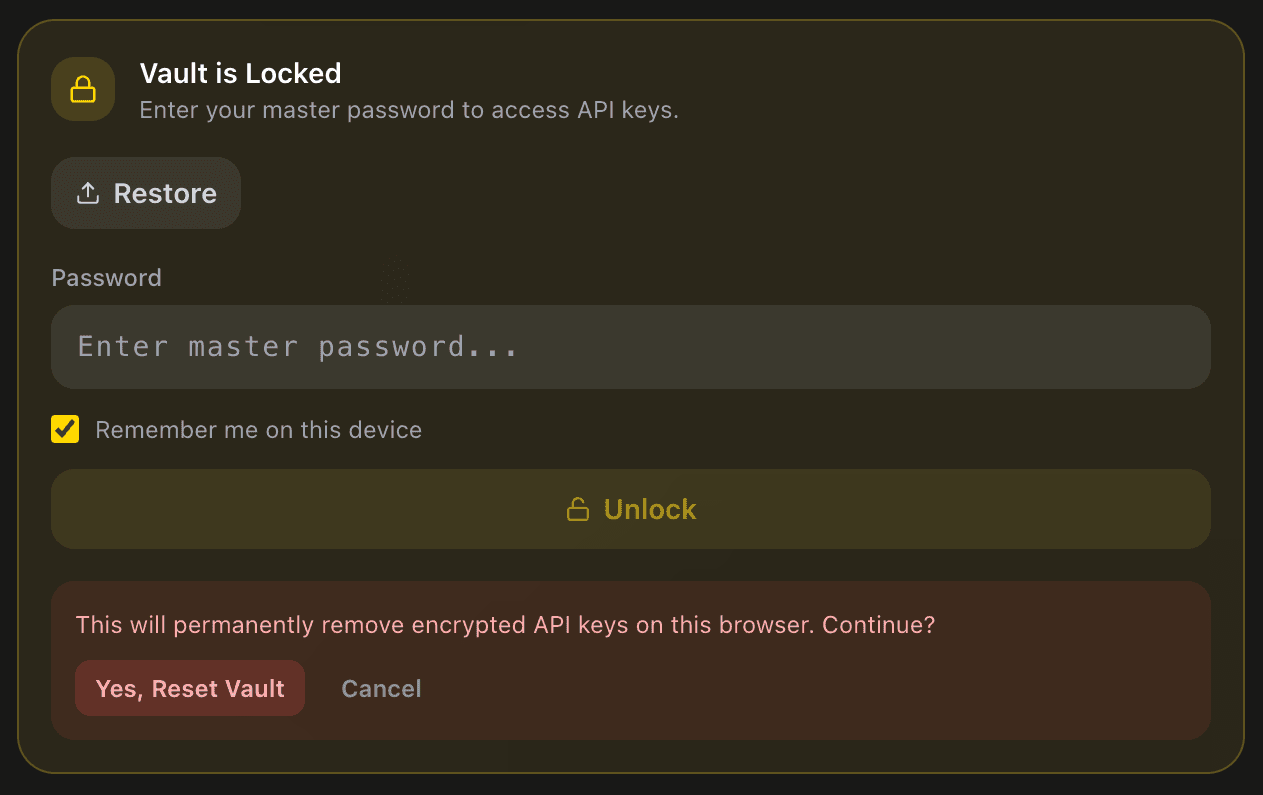
If you forget the master password, use Forgot password? Reset vault after locking the vault and confirm the reset. Resetting permanently removes encrypted provider keys from that browser and creates a new vault state; it does not recover the previous keys. Add new provider keys after creating a new master password.
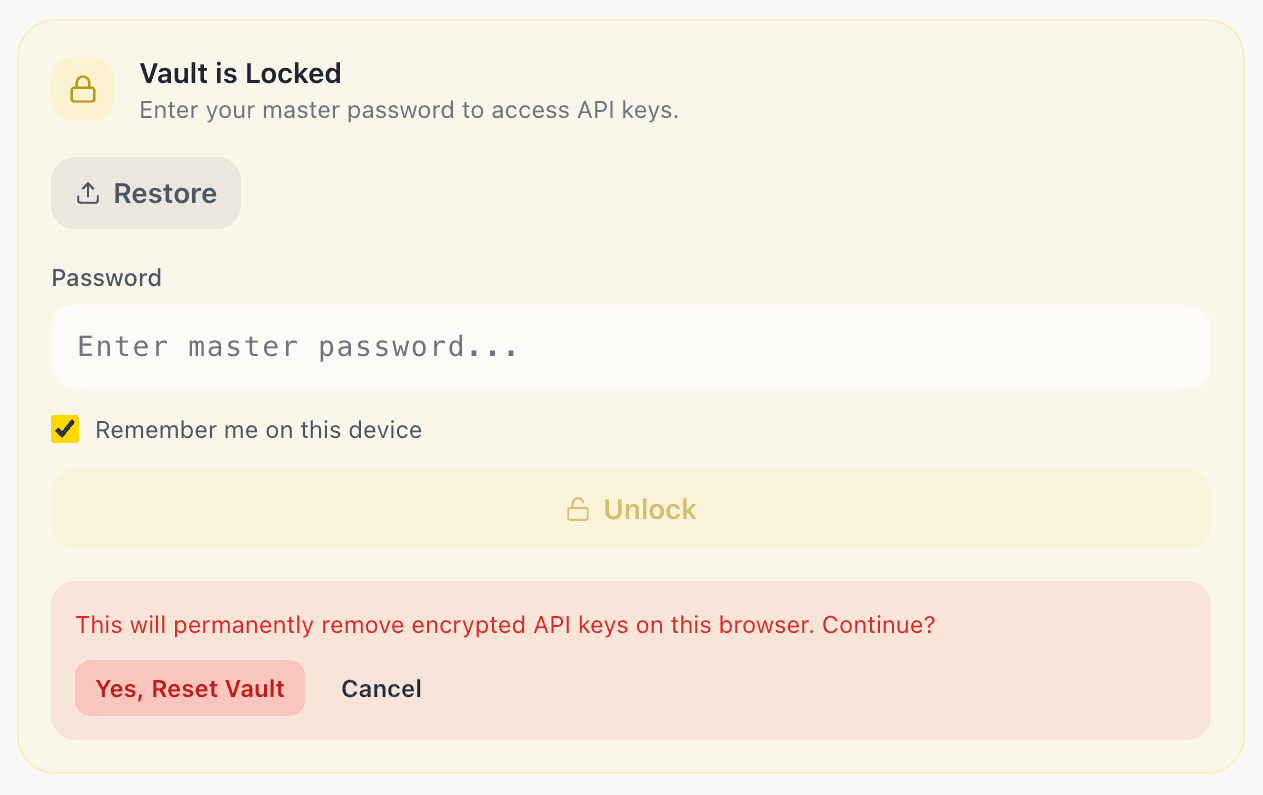
If you suspect a provider key has been exposed, revoke or rotate it at the provider first. Then unlock the vault and save the replacement key, or reset the vault. A local vault reset does not revoke a credential at OpenAI, Anthropic, or Google AI.
For a portable encrypted copy of provider access, continue to Back up and restore your vault.